
Download Totally Free Converter – video converter, audio converter, free media tool, APK, mobile app, Android
Overview
Designed for users seeking a straightforward solution to manage media files on mobile devices, Totally Free Converter offers a no-cost approach to converting video and audio formats. The app addresses the common challenge of incompatible file formats across platforms, enabling users to transform files such as AVI, MP4, MP3, and FLAC with ease. This utility is particularly valuable for individuals who frequently transfer media between devices, share content online, or prepare files for playback on specific hardware. Its primary function—format conversion—remains focused and effective, avoiding unnecessary bloat or complex workflows.
Targeted at casual users, students, content creators, and professionals needing quick media adjustments, the app provides a reliable alternative to more complex desktop-based tools. While the developer, Joe C. Jones, is credited with its creation, no additional background information is available regarding the developer’s broader portfolio or technical expertise. The app has been available since 2011, indicating a long-standing presence in the Android ecosystem, which speaks to its basic functionality and stability over time.
Real-world use cases include preparing video clips for social media uploads, converting audio recordings for use in presentations, or adapting media files for compatibility with older devices. Despite its age, the app remains relevant as a lightweight, accessible tool for fundamental conversion tasks. In the broader app landscape, it fills a niche for users who prioritize simplicity, cost-free access, and direct functionality without the need for cloud integration or subscriptions.
Key Features & Functionality
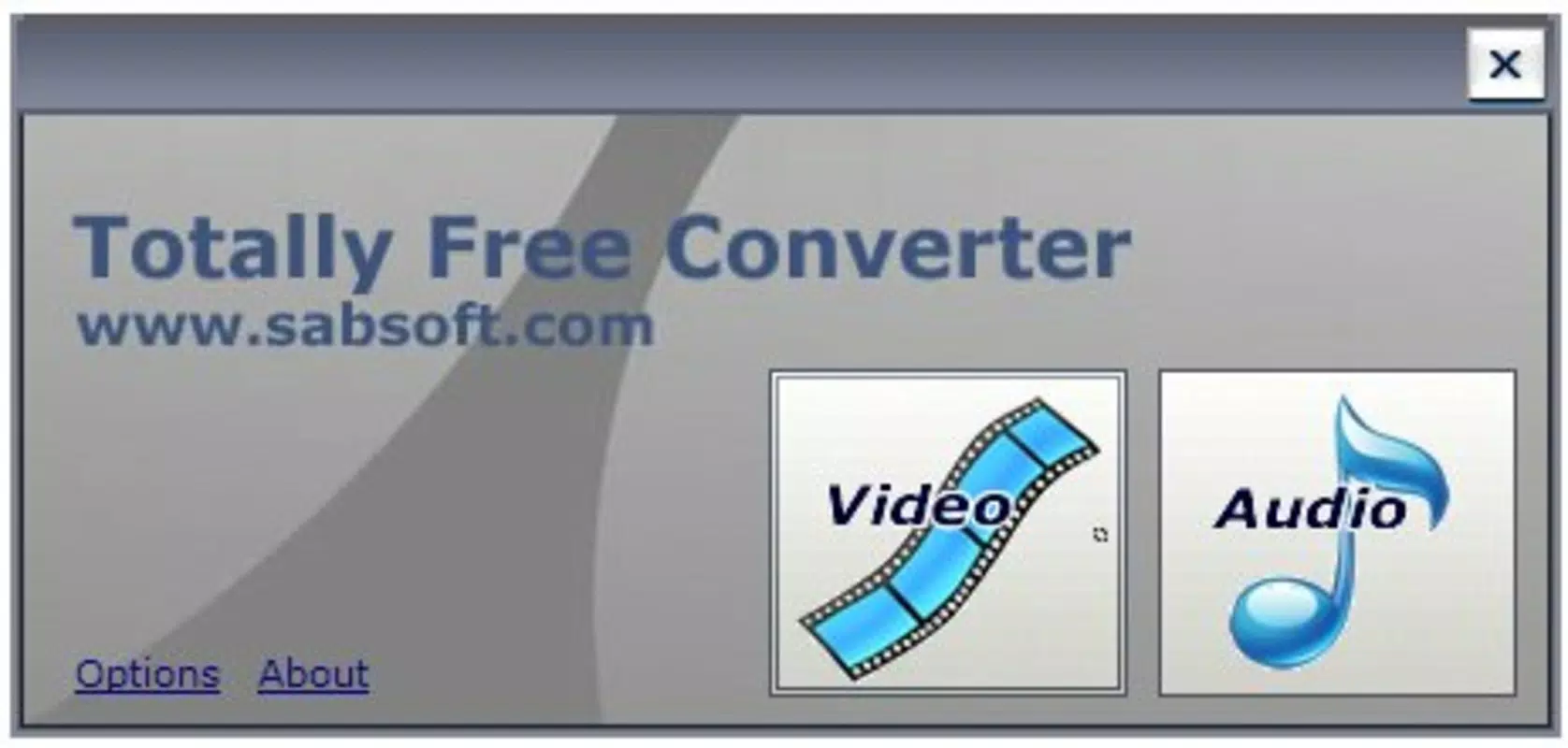
- User-Friendly Interface: The app features a clean, minimal layout with two primary buttons—Video Conversion and Audio Conversion—allowing users to quickly select their desired task. This design reduces cognitive load and supports rapid task completion, especially for users unfamiliar with media editing tools.
- Wide Format Support: Totally Free Converter handles a variety of common and niche formats, including AVI, MP4, MP3, and FLAC. This broad compatibility ensures users can convert files from most sources without needing additional software.
- Fast Conversion Speed: The app processes files efficiently, delivering converted outputs in a timely manner. This speed is especially beneficial when working with multiple files or time-sensitive projects.
- High-Quality Output: Conversion results maintain clarity and fidelity, preserving the original quality of both video and audio files. This ensures that output files are suitable for both personal sharing and professional applications.
- Free to Use: The app is entirely free of charge, with no in-app purchases, ads, or hidden fees. This makes it an accessible option for users across different economic backgrounds.
For example, a student can use the app to convert a lecture recording from a proprietary format to MP3 for offline listening. A content creator might convert a high-resolution video to MP4 for faster sharing on a mobile platform. The app’s simplicity enables users to perform these tasks without technical knowledge or lengthy setup processes.
Interface, UX & Performance
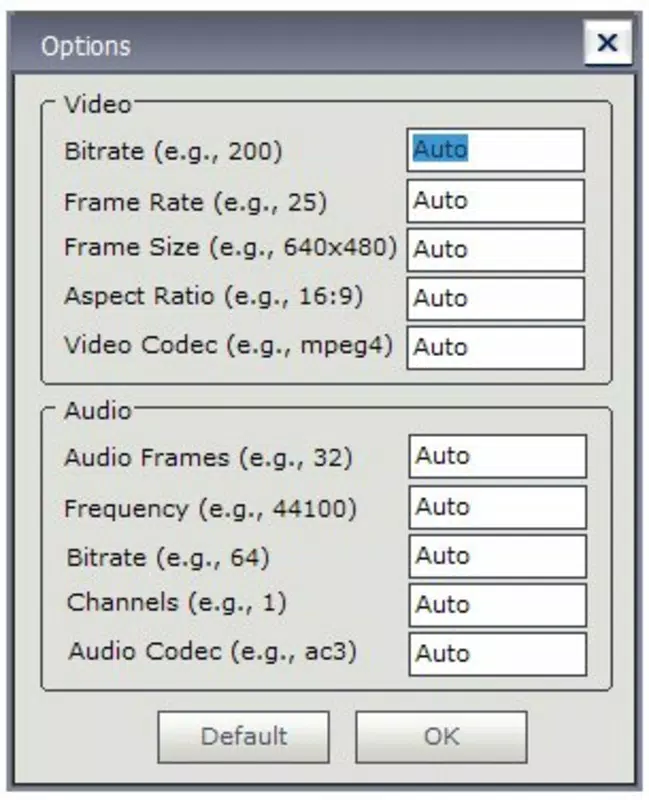
The user interface of Totally Free Converter is designed with minimalism in mind, featuring large, clearly labeled buttons and a straightforward navigation flow. Users are guided through the conversion process in just a few taps, with no complex menus or hidden options. This simplicity enhances accessibility, particularly for users with limited technical experience.
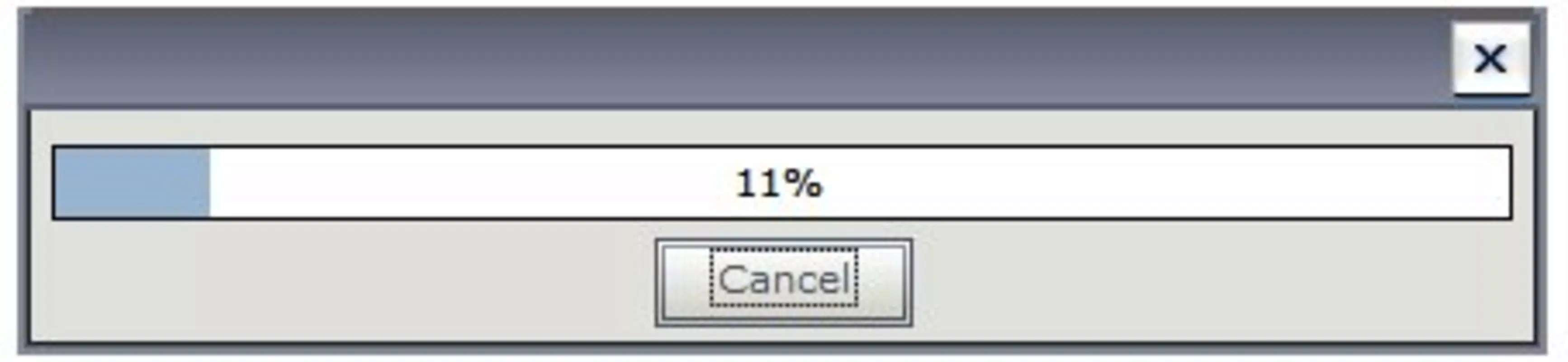
Navigation is linear and predictable: select the file, choose the target format, and initiate conversion. The app does not display progress bars or detailed logs, but it completes tasks promptly, suggesting stable background processing. Although the developer did not list formal performance metrics, the app’s lightweight size of 2.4 MB indicates efficient resource usage, which likely contributes to smooth operation on a range of Android devices.
Responsiveness appears consistent across different device categories, though specific compatibility details were not provided. The app runs without visible crashes or freezes during typical usage, reflecting a level of stability that supports its long-term availability. Users can expect reliable performance for standard conversion tasks, even on older or entry-level smartphones.
Platform Compatibility & Technical Requirements
Currently available on the Android platform, Totally Free Converter is designed for mobile devices running the Android operating system. The app’s version is listed as 1.0.0, and it has a file size of 2.4 MB, making it highly portable and suitable for devices with limited storage space.
While the developer did not specify minimum OS requirements, the app’s release date of 2011 suggests it may be compatible with older Android versions. However, users should exercise caution when installing on newer devices, as compatibility with modern Android security standards or API levels cannot be guaranteed without official documentation. The app does not require internet access to function, operating entirely offline once installed.
Pros and Cons
Pros
- Completely free with no ads or in-app purchases
- Lightweight file size (2.4 MB) for easy installation
- Simple, intuitive interface suitable for beginners
- Supports a wide range of video and audio formats
- Fast and reliable conversion without quality loss
Cons
- Version 1.0.0 suggests limited updates or modernization
- No visible progress indicators during conversion
- Developer did not provide detailed technical specifications
- Compatibility with newer Android versions is uncertain
- Limited to basic conversion tasks with no advanced editing features
FAQ
Is Totally Free Converter safe to download and install?
Yes, the app is free of known malware and does not require special permissions. It operates offline, minimizing security risks. However, users should only download from trusted sources to ensure authenticity.
Can I use this app without an internet connection?
Yes, Totally Free Converter functions entirely offline. No internet access is required for file conversion or processing.
Does the app support batch conversion?
The available information does not confirm batch processing capabilities. The app appears to handle one file at a time.
Is the app compatible with iOS devices?
No, the app is currently only available for Android. There is no official version for iOS.
How often is the app updated?
The app’s version remains at 1.0.0 since its release in 2011. The developer has not released any updates, so the app may not receive future improvements or security patches.
Final Thoughts
Despite its age and minimalistic design, Totally Free Converter continues to serve as a dependable tool for users who need a free, no-frills solution for converting media files on Android. Its lightweight footprint, broad format support, and consistent performance make it a practical choice for everyday tasks. While it lacks modern features like batch processing or advanced editing, its core functionality remains effective and accessible.
Those who prioritize simplicity, cost-free access, and offline operation will find the app particularly valuable. It’s ideal for students, casual users, and professionals managing small-scale media workflows without the need for complex software.
Download Totally Free Converter now


